
See up to 30 days of family location history
The family map shows the latest shared location. Location history shows points recorded earlier, so you can review a route when history was enabled on the source phone.
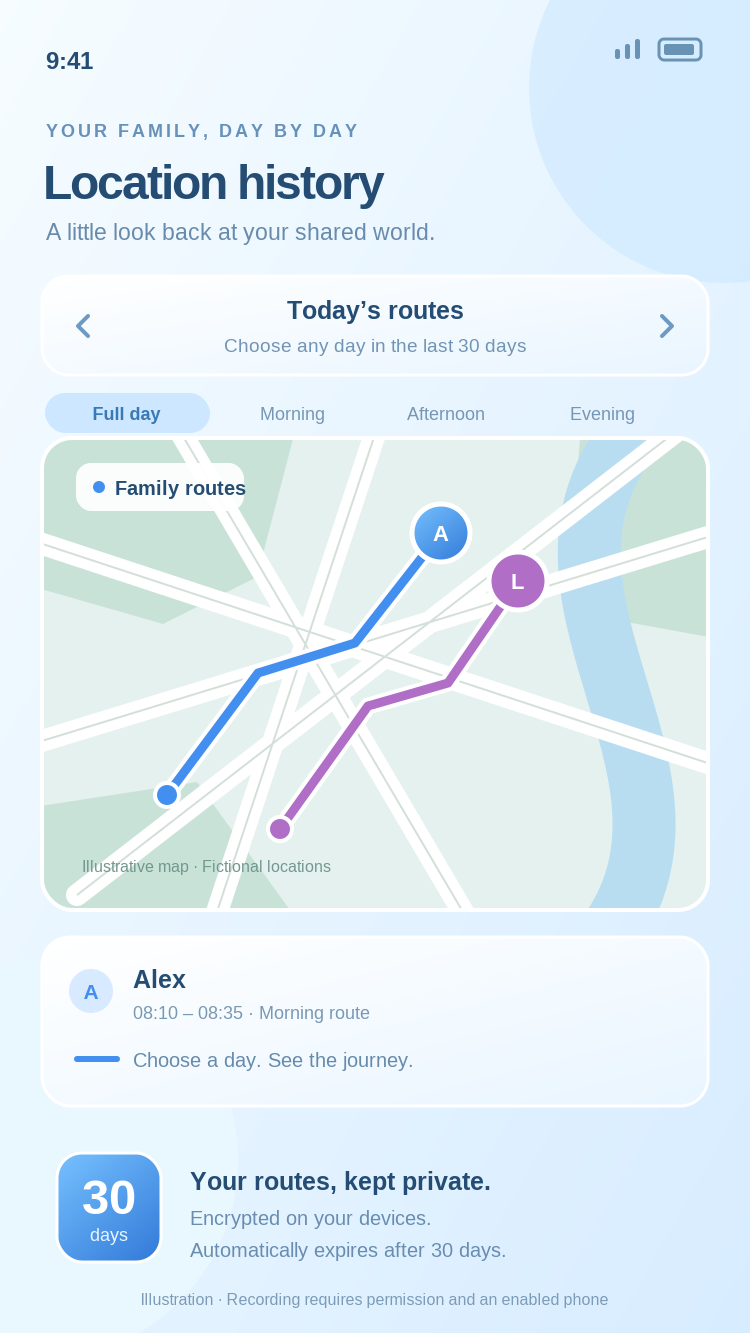
Open and filter a route
- Use a Trackidou Android version that includes History and enable recording with the required guardian controls.
- Open History from the map in the app or the Trackidou web portal.
- Select a date, family members, and time of day to narrow down what you see.
Check which devices can view history
Trackidou encrypts recorded routes. Sharing depends on each family member’s permissions. Adults choose whether to share their own history with other adults. Child history is managed through guardian controls.
Understand gaps and retention
Recorded points expire after 30 days. If recording was off or a phone couldn’t capture GPS, there may be gaps. Trackidou cannot reconstruct an earlier route from a phone’s latest location.
Check the web sync
The browser receives history it has permission to view after sign-in. If the latest route is missing, check that the source phone is online and has recording enabled. For the most recent shared location, use the family map.