
Get an alert when your child arrives at school
Create a Safe Place around school, home, or a regular activity. Trackidou can send you an arrival or departure alert when a connected phone crosses the boundary.
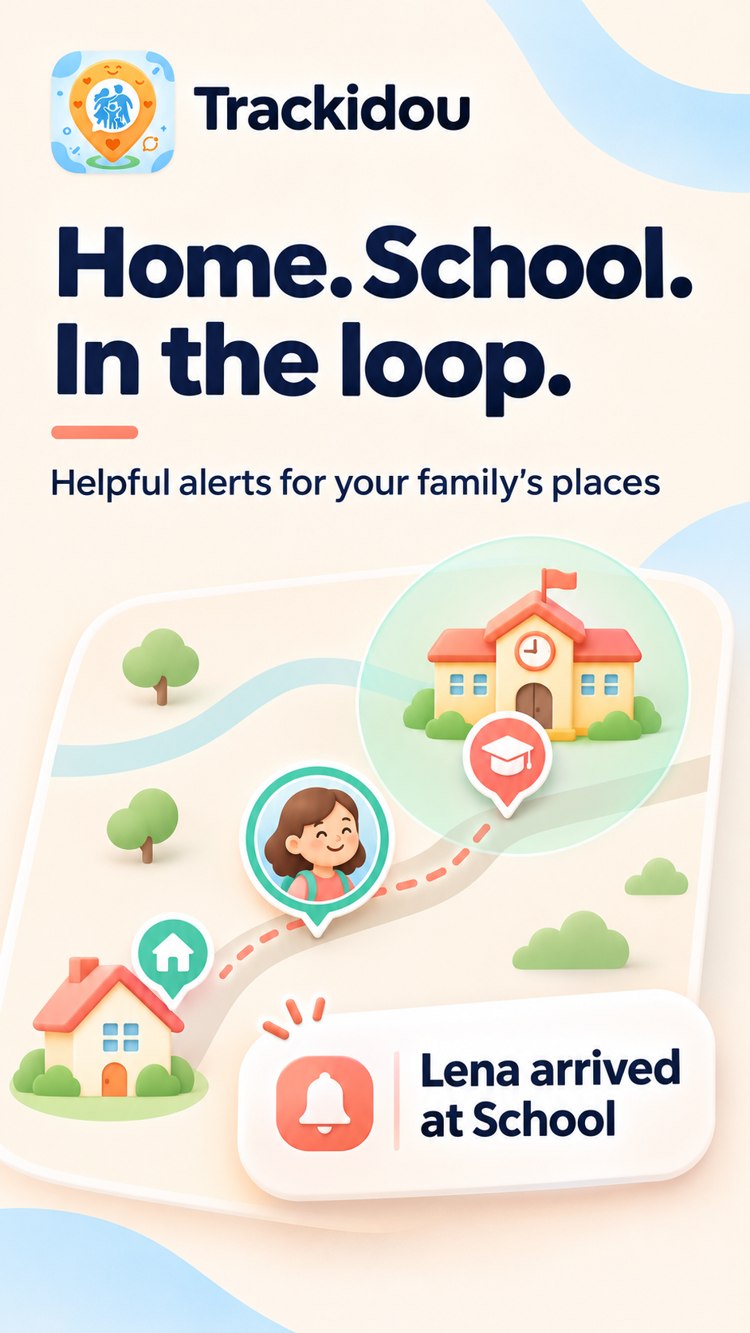
Add a Safe Place in the Android app
- As a guardian, open the map in Trackidou and find Safe places.
- Choose Add place, name the place, and set its center and radius on the map.
- Save the zone. On the connected phone, review location permissions. On the receiving phone, allow Trackidou notifications.
Test the boundary together
Walk into or out of the saved area with the connected phone while sharing is on. Check the alert on the receiving phone. If the boundary crosses an adjacent road or lies outside the school entrance, adjust the center or radius before relying on it.
Why an alert can arrive late
Safe Places use phone location updates. A phone with a weak signal, no connection, or low battery can send updates late. Check the latest timestamp on the family map if the notification hasn’t arrived.
Use a saved place for a specific routine
A school zone helps with a regular school run. A separate zone for home or sports practice can help when pickup plans change. Set up and test each place with the family members who use it.