
A GPS tracker app for kids on Android
Trackidou helps you check in between school, home, and after-school activities. See your child’s latest shared location on the family map and get alerts when they arrive at or leave a place you’ve saved.
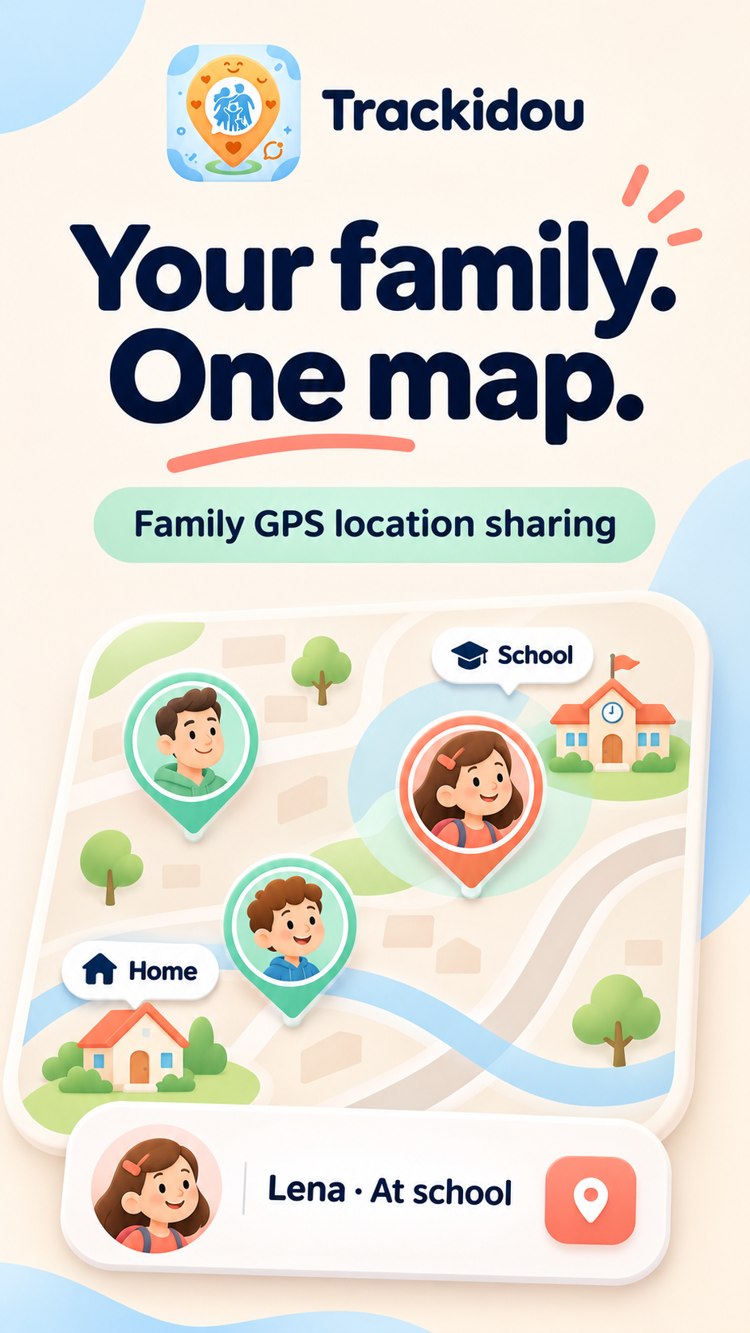
Get an alert when they reach school
Save home, school, or a regular activity as a safe place. Trackidou can send an arrival or departure alert when a connected phone crosses that boundary. Set up and test school arrival alerts.
Connect your child’s phone
- Create a family account in the Trackidou Android app.
- Invite your child’s Android device with a short-lived pairing code. Review location sharing and permissions together.
- Open the family map to check their latest shared location, when it was updated, and their battery level. Learn how family location sharing works.
Can I see where my child has been?
When history recording is enabled, you can review up to 30 days of saved routes. Trackidou encrypts movement history and shares it with permitted family devices. Learn which routes are available in location history.
What happens if the phone goes offline?
The map shows the last shared location and its timestamp. New updates and arrival alerts depend on the phone’s connection, battery, and location permissions.