
Family location sharing on Android
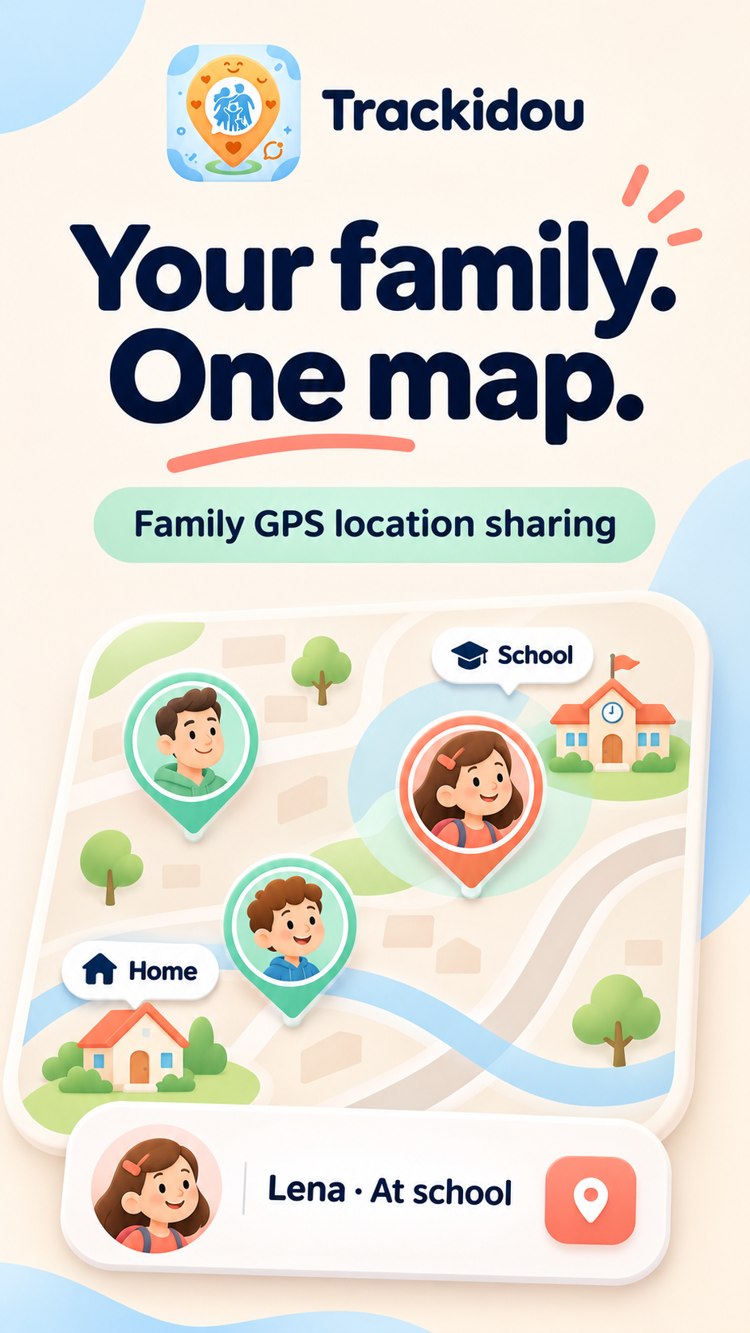
Trackidou gives invited family members a shared map. Use it to see the latest location a connected phone shared, when it was updated, and whether the battery is running low.
Set up the family locator
- Create your family in the Android app.
- Create a one-time invitation for the device you want to connect. For a child’s phone, review the connection and permissions together.
- When the phone shares its first update, open the family map and check that its marker and time appear.
View the family map in a browser
Sign in at trackidou.com with your Trackidou account to see your connected family’s latest shared locations. Use the Android app on the phone that shares its location. The browser map displays updates from connected phones.
Read the time next to a location
A pin shows the most recent location the phone shared. If you see an old timestamp, the phone may be offline, out of battery, or have location sharing paused. Check the time before relying on the pin for a pickup.
Choose what you need for check-ins
Use the shared map when plans change. Set school and home arrival alerts for familiar places, or enable location history if your family wants to review recorded routes later.